Finding a good computer monitor doesn’t have to break the bank. While high-end OLED and 6K displays grab attention, most consumers prioritize affordability and usability. This guide highlights three impressive monitors under $200, balancing price with performance for everyday use.
The Budget Monitor Landscape
The sub-$200 monitor market primarily consists of 1920×1080 resolution screens, typically in 23.8-inch or 27-inch sizes. Cheaper 32-inch options exist, but prices climb quickly. Spending between $100-$200 unlocks more flexibility, allowing trade-offs between resolution, USB-C connectivity, refresh rates, and adjustability.
Top Picks: Balancing Cost and Quality
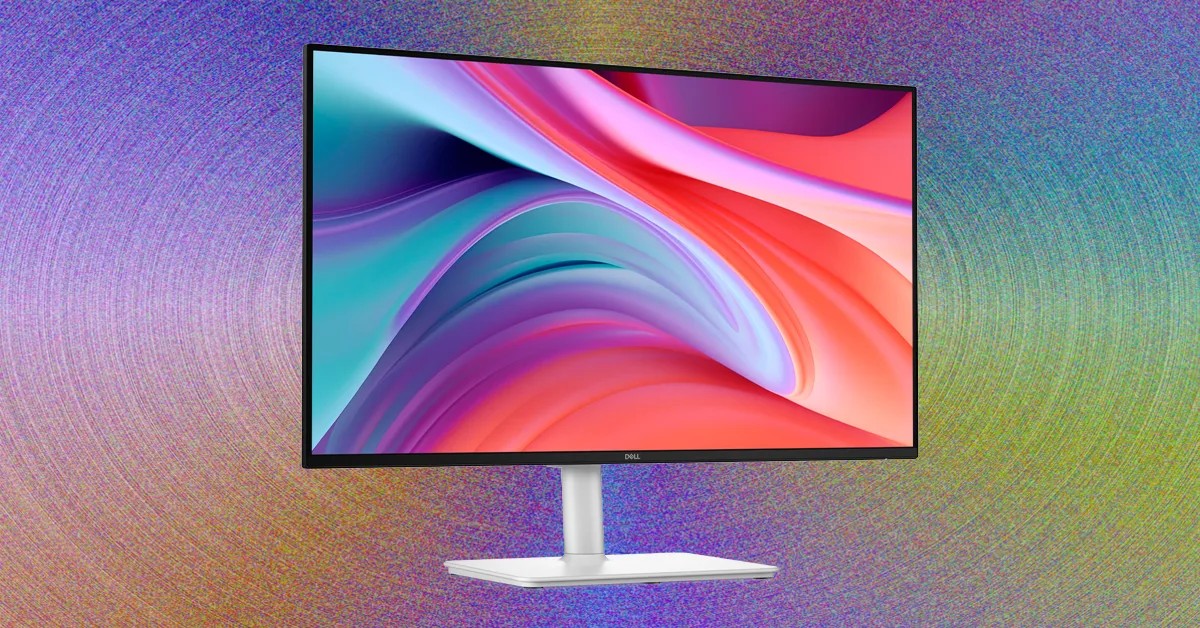
Dell 27 Plus (S2725HSM): This monitor stands out for its adjustable stand, sleek white design, and solid image quality at around $175 (often on sale for $140). It delivers 300 nits of brightness and good color performance. The key advantage is the highly adjustable stand with VESA mount compatibility, making it practical for any workstation. Its primary drawback is limited connectivity, offering only two HDMI ports.
Samsung Essential Monitor S4: Competing with the Dell 27 Plus, the Samsung S4 also features height adjustability at a similar price point. However, its claimed brightness is lower, at 250 nits. It includes a built-in USB hub, which is absent in the Dell model.
MSI Pro 27 (MP273QW E14): For those willing to stretch their budget slightly, the MSI Pro 27 offers a 2560×1440 resolution for around $190. Its image quality is exceptional for the price, rivaling monitors intended for content creators. It reaches up to 427 nits of brightness, making it the brightest option tested. The trade-off is limited adjustability and no built-in USB ports; a separate monitor stand might be necessary.
Best for Gaming: Lenovo Legion R27fc-30
The Lenovo Legion R27fc-30 emerges as the best budget gaming monitor, exceeding expectations with its image quality. It achieves over 300 nits of brightness and comparable color performance to the MSI Pro 27. A standout feature is its 280 Hz refresh rate, designed for fast-paced gaming. The screen also has a subtle 1500R curve for increased immersion. Unlike many budget options, it features a glossy display, providing better clarity but potentially causing glare in brightly lit environments. It uses a VA panel, which can limit viewing angles.
The $100 Sweet Spot: MSI Pro 24 (MP243W E14)
For those seeking the absolute cheapest option, the MSI Pro 24 (around $100) delivers solid performance in a 23.8-inch IPS package. Despite its low price, it achieves 99% sRGB and 77% AdobeRGB color coverage with a Delta-E of 1.35, making it suitable for office tasks and casual gaming. It hits up to 359 nits of brightness and boasts a 144 Hz refresh rate.
In conclusion, while high-end monitors offer cutting-edge features, these budget options prove that a quality display doesn’t require a premium price tag. The best choice depends on individual needs, whether prioritizing adjustability (Dell 27 Plus), gaming performance (Lenovo Legion R27fc-30), or the lowest possible cost (MSI Pro 24).